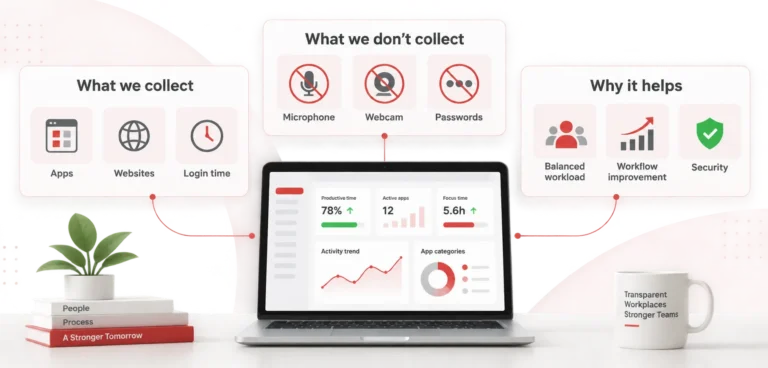
BrowseReporter: Boost Productivity with Total Visibility into Employee Activity
Gain full visibility into employee activity, uncover productivity gaps, and enforce policies with BrowseReporter. Starting at $12/user/month.
Trusted by 100,000+ professionals in 55 countries.
*No credit card required · 14-day free trial · For on-prem pricing, contact Sales
Trusted by enterprises, healthcare organizations, financial and professional services firms, and government agencies at every level.
Improve Productivity
companies that implemented monitoring software saw an increase in employee productivity
Detect Time Theft
of employers have found an employee working a second job while on the clock, thanks to monitoring software
Optimize Software Spend
of desktop software & 29% of SaaS spend is underutilized or wasted, according to Flexera’s State of ITAM 2023 report
Key BrowseReporter Features
App & Web Usage Reports
- See which tools support work and which websites distract employees
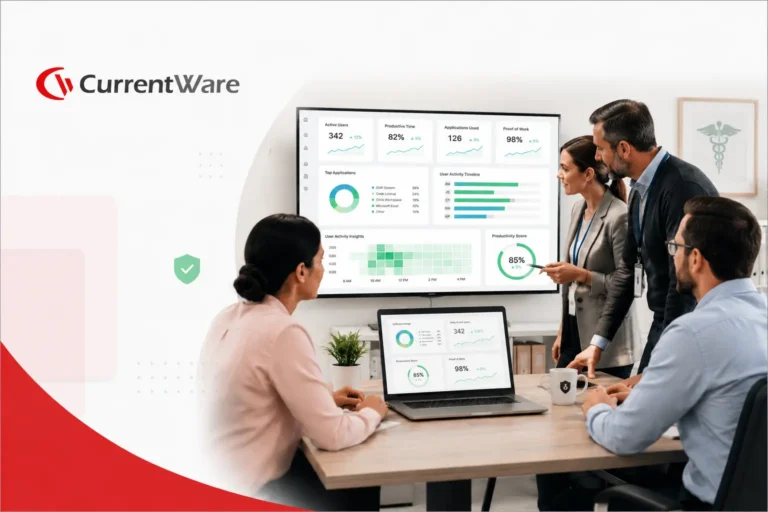
- Compare individual and team internet usage trends
- Use detailed reports to make informed workplace policy decisions.
Idle Time Tracking
- Track active, idle, and total work time
- Identify inactivity through keyboard and mouse events
- Set custom idle time thresholds to match your workflow
Location Based Insights
- Compare productivity across remote, hybrid, and in-office teams
- See work hours, focus, and engagement by location
- Identify trends to guide flexible work policies
Schedule Adherence
- Audit employee logon and logoff times
- Record startup, sleep, and shutdown events
- Verify working hours, breaks, and potential time theft
Built to Support Your Compliance Program
Discover how organizations use CurrentWare to improve visibility, strengthen compliance efforts, and manage employee activity more effectively.
How BrowseReporter Benefits Your Organization
Boost productivity and focus
Identify time spent on non work websites and apps so you can coach employees to focus on meaningful tasks.

Support flexible work:
Use location insights to refine remote and hybrid policies without compromising accountability.
Cut SaaS Spend & Digital Waste by 48%:
Discover unused software licenses and cut SaaS costs with clear usage reports.
Strengthen Compliance:
Automate reports for HR, IT and compliance teams, complete with risk alerts. Keep audit trails ready when issues arise.
Enhance Employee Engagement:
Transparent monitoring fosters accountability while respecting privacy. When people see data being used to help them succeed, trust grows.
Deploy on your terms
Run BrowseReporter in the cloud or fully on-premises – same features, your choice of infrastructure.
Cloud
Fastest to launch · fully managed
- No servers or database to maintain
- Automatic updates & backups
- Up and running in hours
- Scales effortlessly as your team grows
On-Premise
Your network · your data residency
- Data never leaves your infrastructure
- Meets strict compliance & air-gap needs
- Connect to your own SQL Server
- Full control over data retention & access
Why Choose BrowseReporter
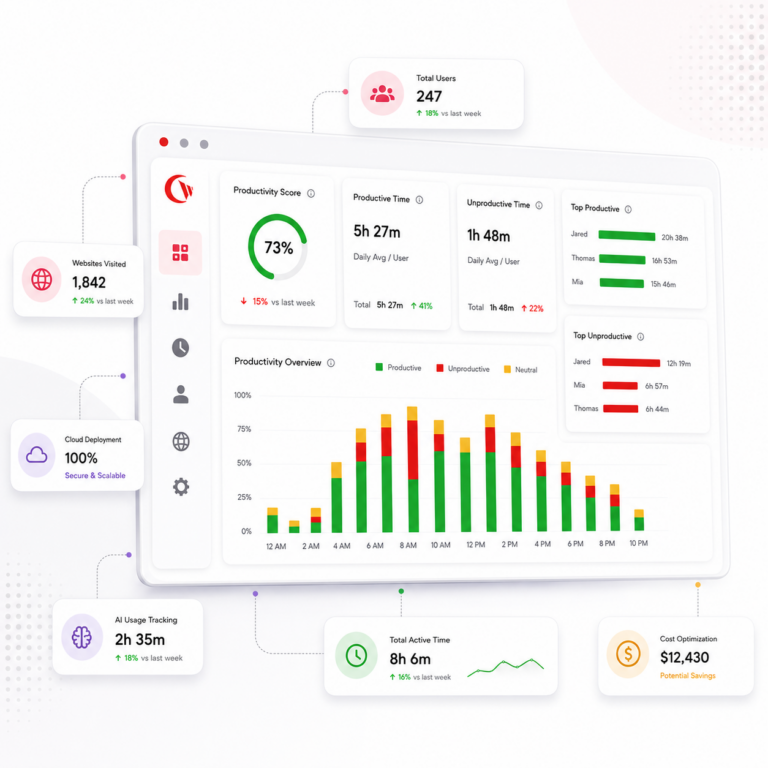
With remote and hybrid work, it’s easy to lose track of how time is spent. BrowseReporter shows which websites and apps are used, when they’re used, and for how long. By comparing usage across teams and locations, spot inefficiencies and uncover the factors that drive employee productivity. These insights help managers coach employees better and guide policy decisions.
Track and Monitor AI Usage
Understand how employees use AI tools across your organization. BrowseReporter gives IT and security teams visibility into employee access to tools such as ChatGPT, Microsoft Copilot, Gemini, Claude, and other AI platforms. Discover which platforms are being used, and who is using them. Calculate the ROI on AI by comparing the increase in employee productivity before and after AI implementation.

Privacy Focused Monitoring
Configure BrowseReporter to record only the required data. Screenshots are optional and off by default. Work‑hours scheduling helps to limit data collection to defined shifts. Monitoring specific departments can be restricted. This alignment with privacy expectations and compliance requirements helps to maintain ethics & transparency at the workplace.
Actionable Productivity Insights
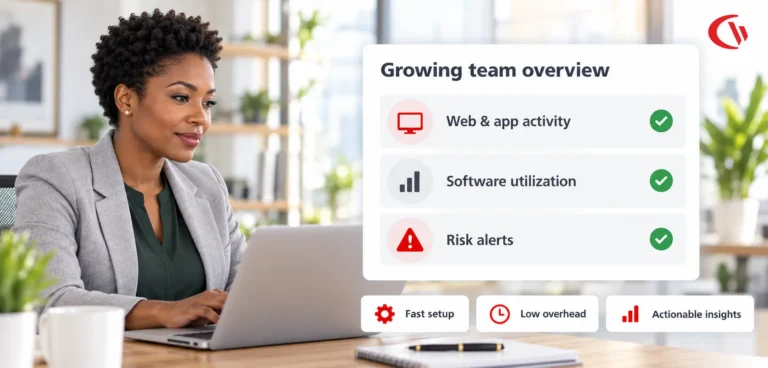
BrowseReporter turns raw activity logs into actionable insights. Managers can identify distractions, compare productivity trends across teams and work environments, and make evidence based decisions. Automated reports highlight spikes in idle time, focus time and total time. These insights support continuous improvement.
Software Cost Optimization
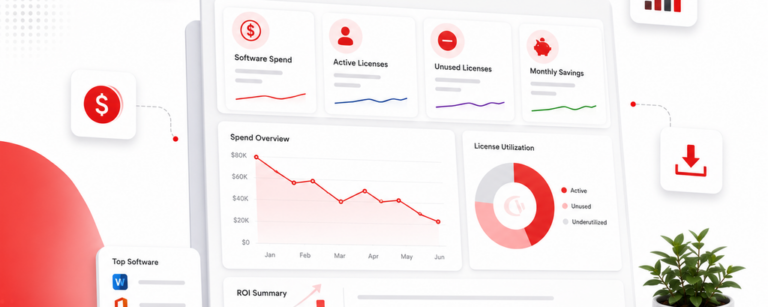
BrowseReporter’s Cost Insights connects software usage with licensing costs. It helps IT and finance teams find inactive accounts, underused applications, and overlapping tools that quietly drain software budgets.
Simple, Transparent Pricing
BrowseReporter (Standalone)
(*Contact Sales for On-prem & Add-on pricing)
SaaS Offering
Employee Monitoring & Analytics
- Web & App Use
- Productivity Reports
- Location Insights
- + Screenshot Monitoring (Add-on)
- Active vs Idle Time
- Bandwidth Use
- Customer Support
Full CurrentWare Suite
AccessPatrol + BrowseReporter + BrowseControl + enPowerManager
- Everything in BrowseReporter
- Web browsing monitoring
- Website blocking
- Bandwidth management
- Power management
- Comprehensive reporting
- Multi-tool integration
Volume Discounts Available: Save up to 30% for teams of 100+ users
How Businesses Rely on BrowseReporter
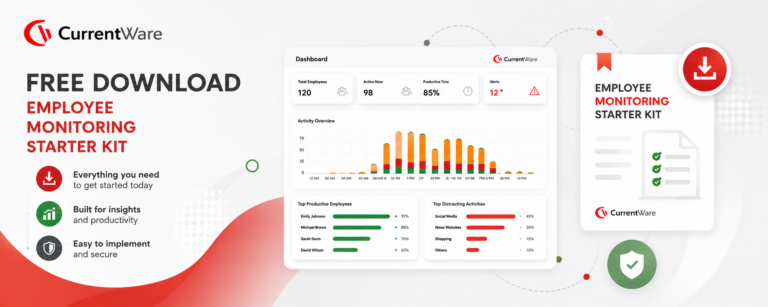
Employee Monitoring Starter Kit
Give your organization the tools it needs to implement a successful employee monitoring strategy.
Templates for policies and disclosures
Ready-to-use policy templates that ensure compliance
Presentations for key stakeholders
Professional slides to get leadership buy-in
Best practices for monitoring employees

Expert guidance on ethical employee monitoring
Frequently asked
Frequently Asked Questions:
-
BrowseReporter tracks employee activity such as websites visited, applications used, and active vs idle time in real time. It generates detailed reports showing how time is spent across tasks, helping identify productivity gaps, software usage patterns, and policy violations. Optional features like screenshots and bandwidth tracking provide additional context when needed.
-
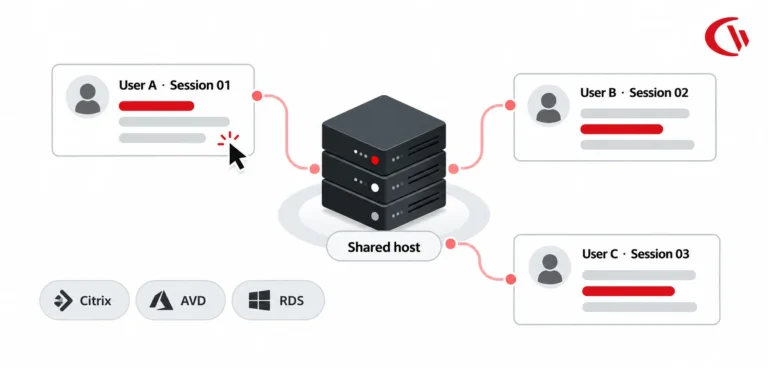
Yes, BrowseReporter can monitor employees regardless of location, including remote and hybrid teams. It tracks activity across distributed environments, including remote desktops and terminal servers, giving managers consistent visibility into workforce productivity from anywhere.

-
BrowseReporter is commonly used by IT, HR, compliance, and operations teams. IT teams use it for visibility and policy enforcement, HR for productivity and attendance insights, compliance teams for audit-ready reporting, and leadership for workforce analytics and cost optimization decisions.
-
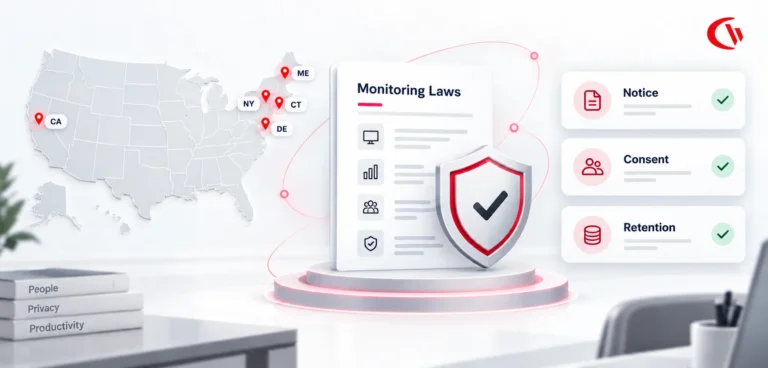
Yes, BrowseReporter is legal when used in accordance with local labor laws and with proper employee transparency and consent. It includes privacy-first controls that allow organizations to define what is tracked, limit monitoring scope, and align with internal policies and regulations.


-
BrowseReporter is deployed via a lightweight agent installed on employee devices, managed through a central console. Setup is typically straightforward and can be completed within hours for smaller teams, with scalability for larger enterprise deployments.
-
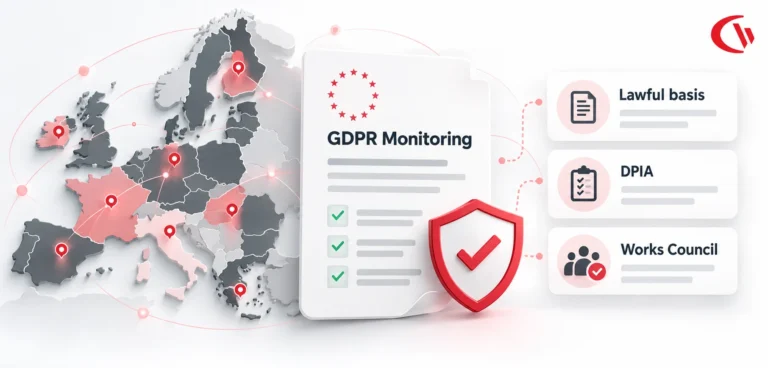
Yes, BrowseReporter supports GDPR and CCPA compliance through policy-driven monitoring and configurable data collection controls. Organizations can define what data is collected, restrict monitoring to work hours, and ensure transparency to meet regulatory and internal compliance requirements.
-
Yes, BrowseReporter tracks both active and idle time to provide accurate productivity insights. This helps distinguish between engaged work and inactivity, enabling more precise reporting and workforce utilization analysis.
-
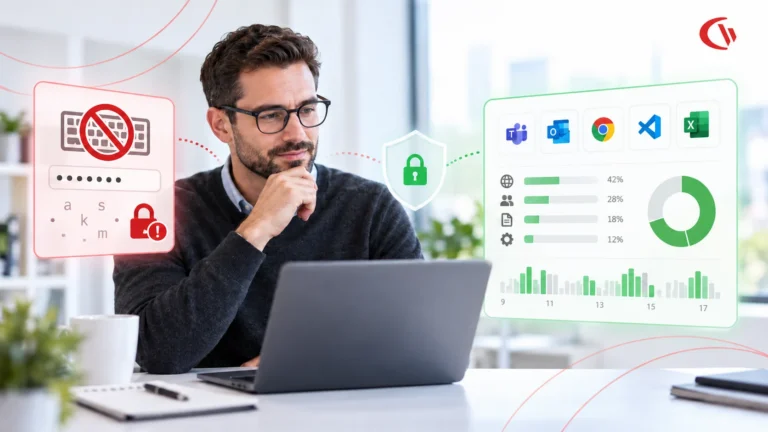
BrowseReporter supports optional screenshot monitoring for audits or investigations, but it does not rely on invasive practices like continuous keystroke logging. Organizations can enable or disable screenshots based on their privacy and compliance requirements.
-
BrowseReporter starts at approximately $12 per user per month* (For on-prem pricing, contact Sales), with a fully functional free trial available. The trial typically allows deployment on a limited number of devices for a set period, enabling teams to evaluate the software before purchase.
-
BrowseReporter focuses on balancing workforce visibility with privacy and compliance. Unlike surveillance-heavy tools like Teramind or analytics-only platforms like ActivTrak, it combines real-time activity monitoring, policy enforcement, and cost insights with configurable privacy controls and transparent tracking.
-
Yes, BrowseReporter can detect unusual or risky behavior by tracking visits to unauthorized or high-risk websites, monitoring software usage, and generating alerts based on predefined policies. This helps identify insider threats, shadow IT usage, and non-compliant activity early.
-
Yes, BrowseReporter allows organizations to restrict monitoring to defined work hours, shifts, or specific teams. This ensures monitoring aligns with company policies while maintaining employee privacy outside working hours.
-
“BrowseReporter is deployed via a lightweight agent installed on employee devices and managed through a central console. It supports both on-premises and cloud environments, giving your IT team the flexibility to deploy within your existing infrastructure or security requirements. Most organizations are up and running within hours.”
Get Started with BrowseReporter
Fully functional. Easy to use. $12 USD user/month*. For on-prem pricing, contact Sales
No Credit Card Required
All subscriptions include ongoing updates and direct support from our team.