How to Monitor Employee Computer Activity (& Why You Should)
Watch this video to learn how to monitor employees working from home using a free trial of BrowseReporter, CurrentWare’s remote employee monitoring software. Ready to…
We’ve Updated Our Terms. We’ve updated our Terms Of Service, Privacy Policy, and Data Processing Addendum, effective May 14, 2026. Please review the changes before continuing to use our services.
Monitor activity, reduce insider risks, and improve productivity – all from one platform. The CurrentWare Suite gives you the visibility and control needed to manage remote and hybrid teams without compromising trust.
Trusted by 100,000+ professionals in 55 countries
*No credit card required · 14-day free trial
Track productivity anywhere
Verify without micromanaging
(*For on-prem pricing, contact Sales)
Affordable remote management
companies that implemented monitoring software saw an increase in employee productivity
of employers have found an employee working a second job while on the clock, thanks to monitoring software
of desktop software & 29% of SaaS spend is underutilized or wasted, according to Flexera’s State of ITAM 2023 report
When teams work remotely, your perimeter stretches thin. Shadow IT, accidental leaks, and insider risks can quietly erode your security posture. CurrentWare’s remote workforce management safeguards the edge – quiet, protective, always on.
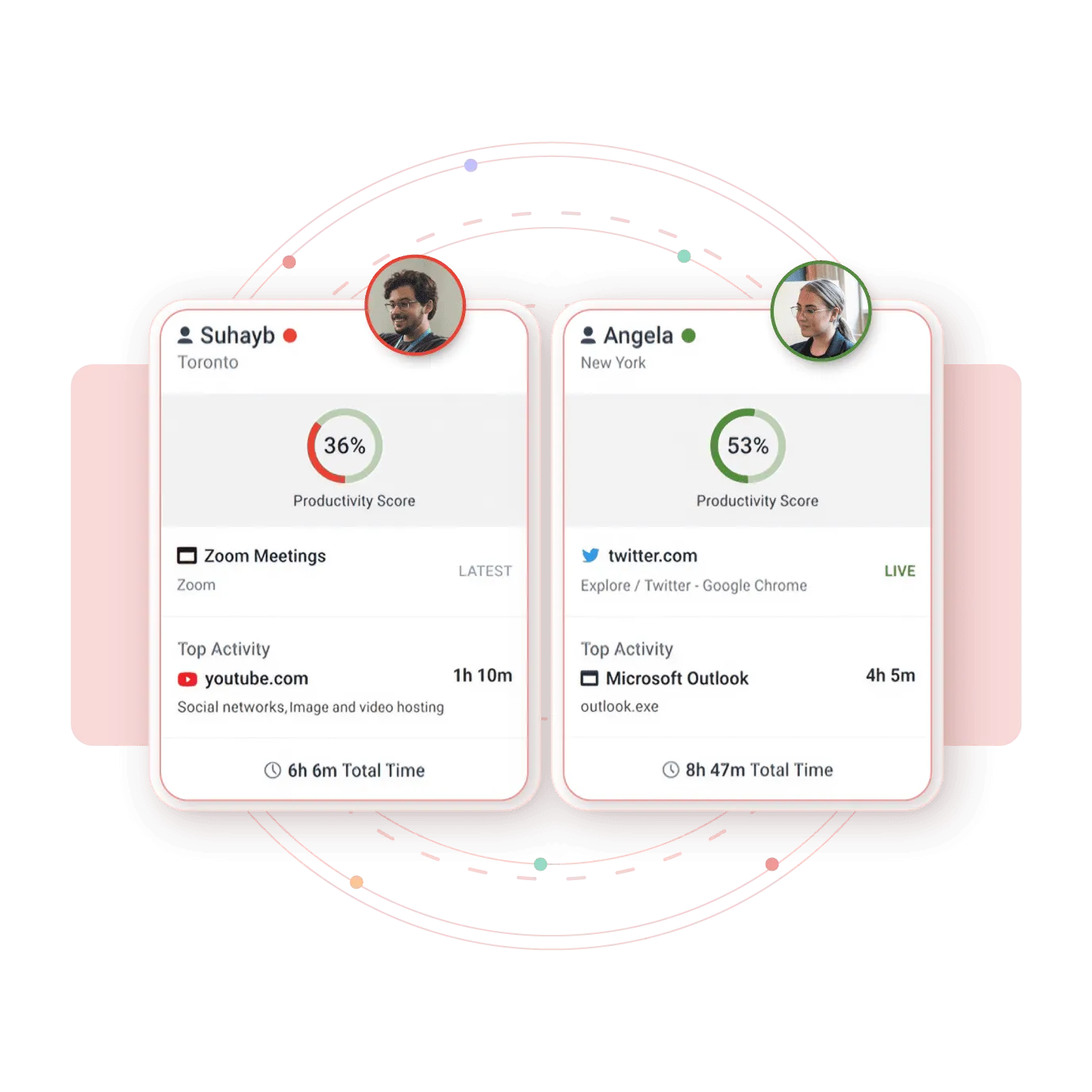
No more guessing who’s productive and who’s merely online. CurrentWare’s remote employee management software turns attendance into insight, so managers can coach with confidence, not suspicion.
You can
Monitoring is the start; optimization is the payoff. With Workplace productivity insights, patterns inside the workday surface – too many meetings, too little focus time, licenses paid for but rarely used.
Every remote workplace tells a different story. For each, CurrentWare’s suite delivers one promise: clarity without compromise.
(Powered by BrowseReporter)
For hands-on IT leaders, BrowseReporter turns speculation into insight. It shows which applications power real work and which drain hours into the ether.
CurrentWare saved us a lot of time and money. If we didn’t have them we would’ve never known what was going on. I can’t thank all of you enough for this software.”
– Vincent Pecoreno, Network Administrator, Viking Yachts
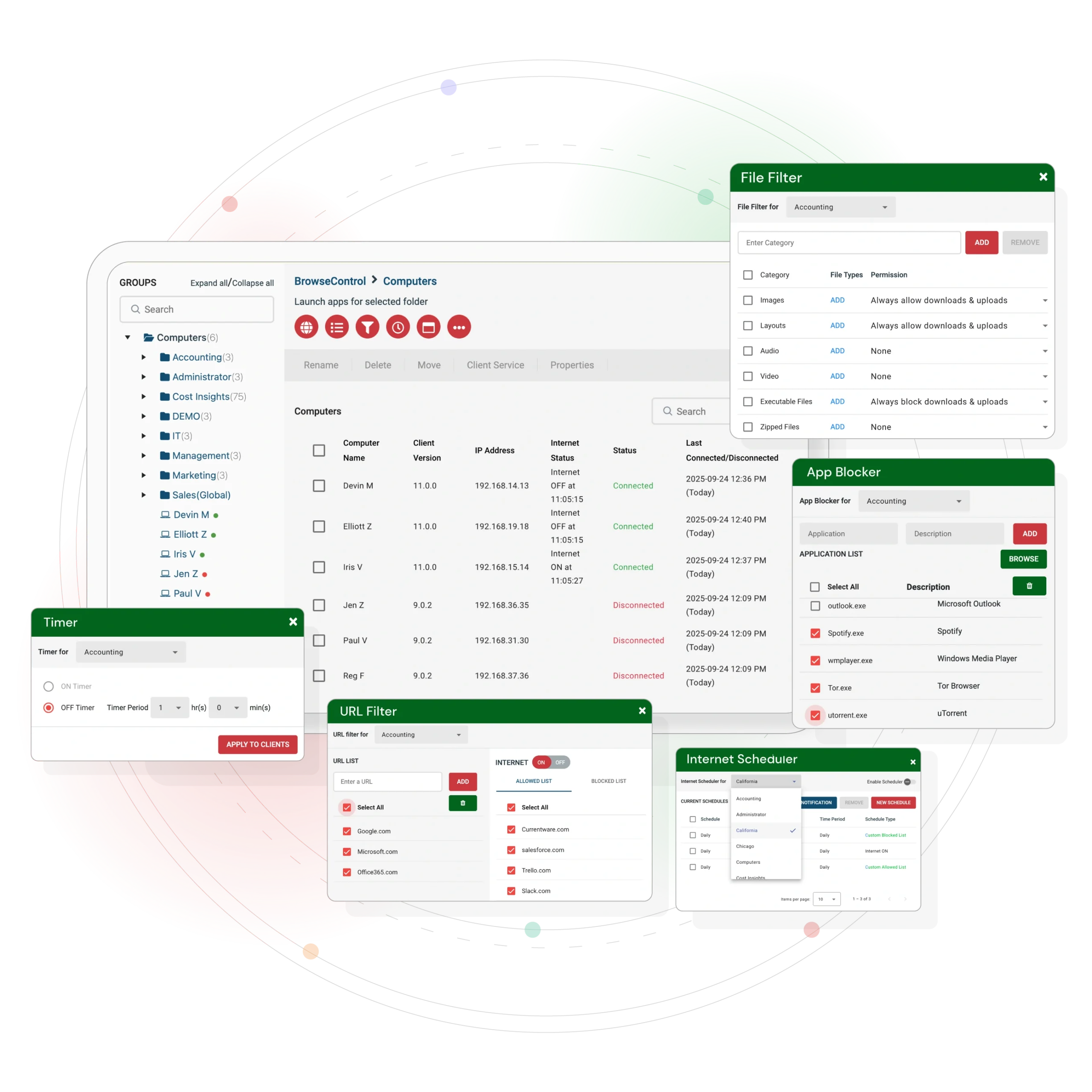
(Powered by BrowseControl)
Remote work multiplies distraction. BrowseControl lets teams create digital boundaries that protect focus and compliance without stifling autonomy.
CASE STUDY
Shady Maple Transforms Their Productivity With Internet Filtering
“Being able to identify negative browsing trends and put a stop to them within a couple of hours has meant that our employees are focused on the job almost all of the time. We have become an extremely efficient workforce.”
– Operations Management, Shady Maple
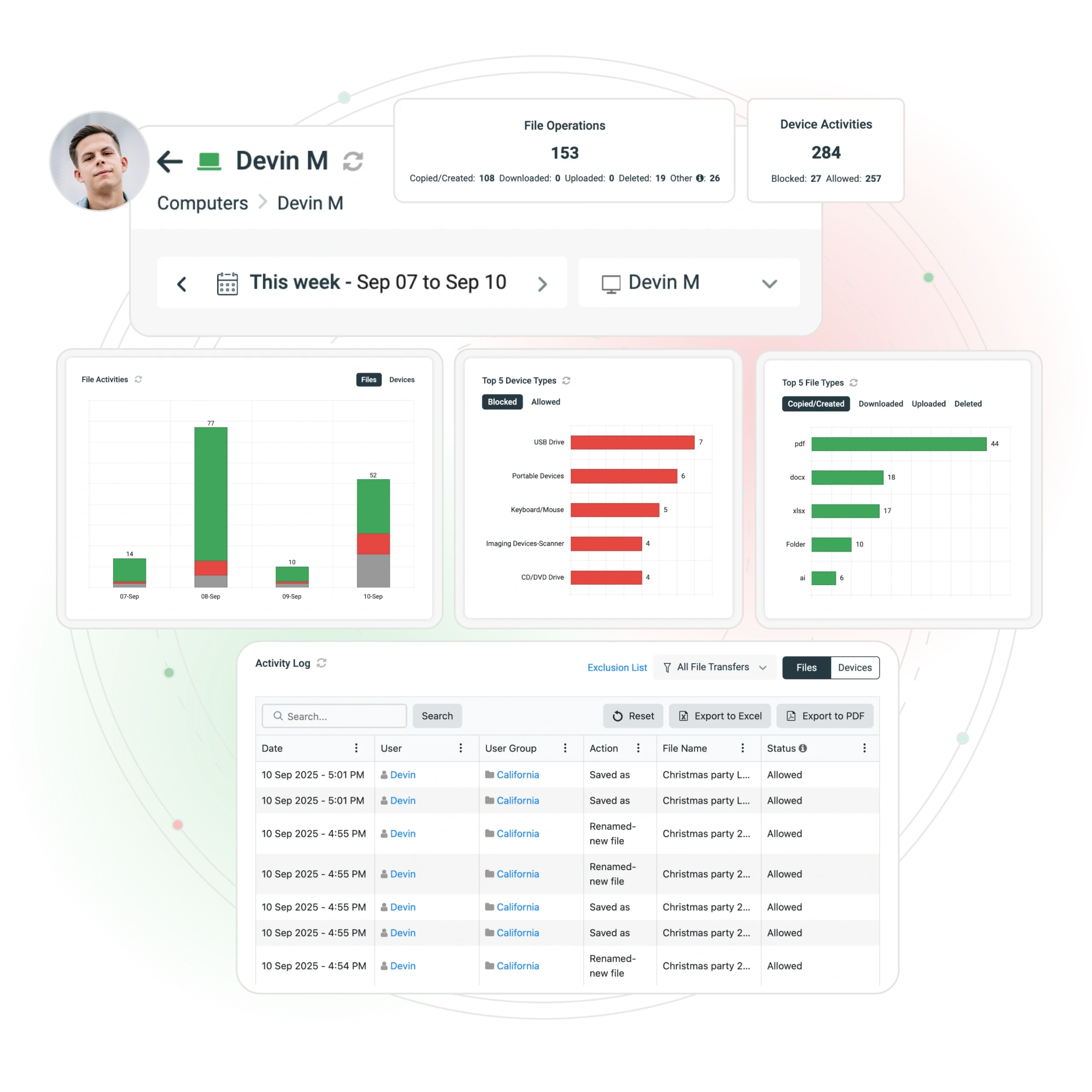
(Powered by AccessPatrol)
Tiny devices, big risk. AccessPatrol prevents sensitive data from walking out the door—literally.
“We never have to worry when someone plugs in a device. AccessPatrol made our lives easy. We just set it, forget it, and it works.”
– Nicholas Scheetz, IT Service Desk Supervisor, First Choice Health
Hospitals protect PHI. Financial firms safeguard client records. Manufacturers lock down CAD files and IP.
(Powered by enPowerManager)
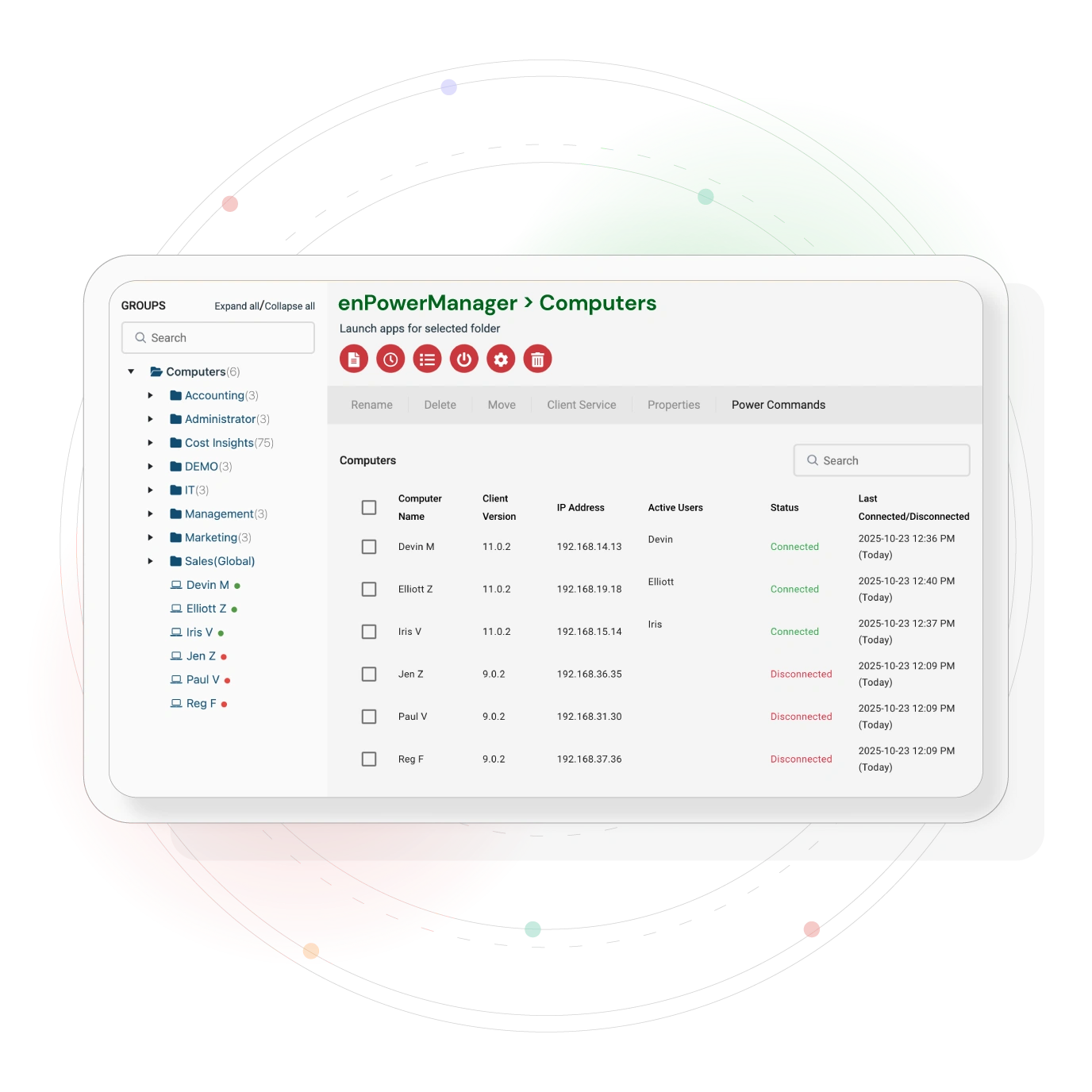
When the CFO examines the ledger, enPowerManager turns IT from cost center to quiet hero.
CASE STUDY
Shady Maple Transforms Their Productivity With Internet Filtering
“CurrentWare has been nothing but supportive of us since we started. This is probably one of the best systems that we’ve ever invested in. Once we got CurrentWare installed it opened the door for remote work for us; we could control the equipment and make sure our people were being productive and safe.”
-Boston Centerless
One regional healthcare client saved $12,000 in a quarter and trimmed its carbon footprint at the same time.
In regulated sectors, compliance isn’t optional – it’s oxygen. CurrentWare’s remote workforce monitoring software keeps you audit-ready with verifiable trails and right-sized controls
Aligned with ISO 27001 and HIPAA frameworks
Frequently asked
Remote employee management software helps organizations monitor, support, and optimize the productivity of employees who work from home, hybrid, or distributed locations. It provides visibility into app usage, work patterns, and team workloads to improve efficiency and decision-making.
Organizations use remote employee management software to understand how remote teams work, identify productivity barriers, prevent burnout, and ensure accountability. It enables managers to make data-driven decisions about workflows, staffing, hybrid policies, and performance improvement.
CurrentWare collects data on application usage, website activity, productive time, idle time, and workload trends. A lightweight agent runs on employee devices and sends activity insights to centralized dashboards—without invasive tracking methods like keylogging, webcam access, or stealth recording.
Remote employee management software focuses on productivity insights, workflow improvement, and operational efficiency. Surveillance tools use intrusive methods such as keystroke logging or secret screen capture. CurrentWare is privacy-respectful, transparent, and designed to support—not spy on—remote teams.
Top metrics include:
These insights help managers optimize performance and support teams more effectively.
Yes. Ethical platforms like CurrentWare offer customizable privacy controls, data minimization options, and no keystroke logging. Companies can define what is tracked, anonymize data where needed, and use clear communication to maintain employee trust in remote or hybrid work environments.
Yes, when used transparently and for legitimate business needs. Organizations should notify employees, follow local labor & privacy laws, and implement clear monitoring policies. CurrentWare supports compliance with GDPR, ISO standards and internal governance requirements.
Key organizational benefits include:
CurrentWare’s BrowseReporter tracks mouse/keyboard inactivity. With its “Idle Exclusion” feature, you can exclude certain apps (like meeting tools) from being classified as idle, leading to more accurate productivity data.
Yes — through device control (e.g., USB restrictions), file transfer tracking, and web filtering. These features help you secure data on remote endpoints and reduce insider risk.
Real‑time alerts help managers identify policy violations, schedule deviations, or suspicious inactivity (like “mouse jigglers”) as they happen, enabling quick intervention and more reliable workforce oversight.