







Product Comparisons
Web content category filtering software to easily block websites
Use BrowseControl’s web content categorization database to block millions of websites across 100+ URL categories.
Easily block users from accessing social media, porn, games, known virus-infected websites, and more!
$6 USD user/month!
“This software was easy to install and customize to our needs. Category Filtering is such a time saver and of course saving time is saving money!”
– Scott S, Senior Systems Engineer
*No credit card required · 14-day free trial · Easy setup
700+ organizations trust CurrentWare's employee monitoring software for visibility & control
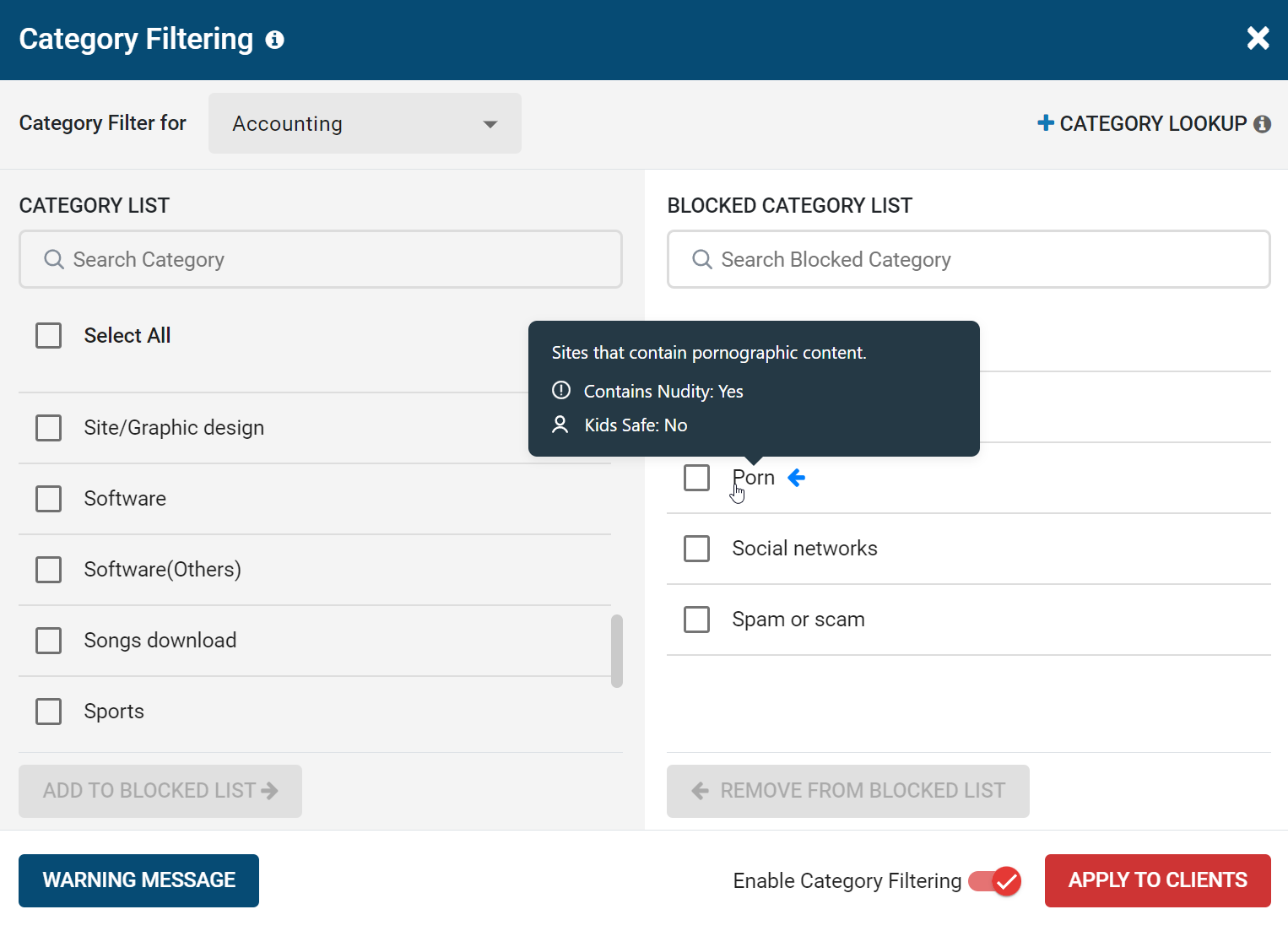
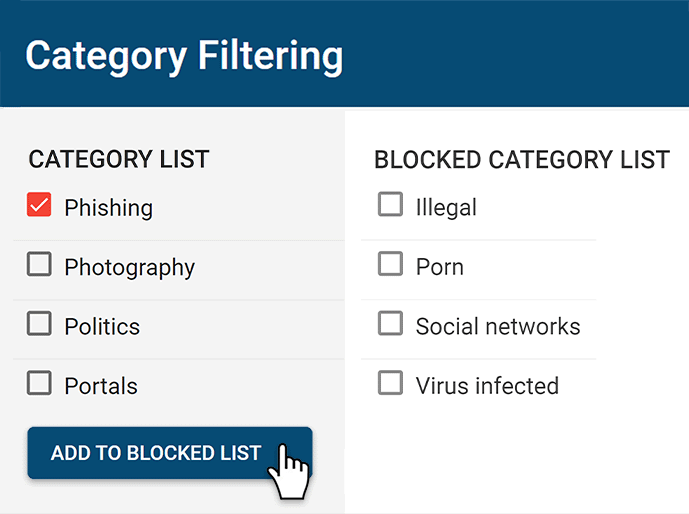
Web Category Filtering
- Meet CIPA compliance by blocking categories of websites that are not age-appropriate such as porn
- Effortlessly block millions of web pages across 100+ URL categories
- Customize the website category database locally to suit the needs of your environment
- Ensure employees only use the internet to access business sites
- Easily block a particular category for some users while allowing it for others

URL Filtering
With the Allowed URLs List you can restrict internet access to only specific websites or exempt specific websites that are blocked by the Category Filtering feature.
With the Blocked URLs List you can block specific websites while allowing access to the rest of the internet.
- Block (Blacklist) URLs to block users from accessing websites
- Allow (Whitelist) URLs to set exceptions for websites you would like to allow
- Create unique URL filtering lists for each group of users or devices
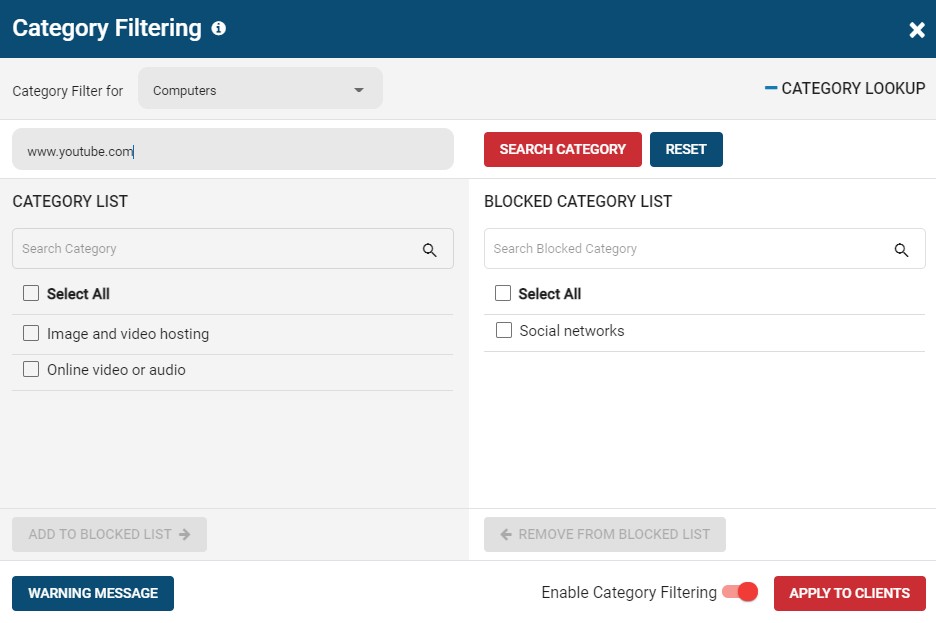
URL Categories Lookup Tool
With BrowseControl’s web category lookup tool you can query the url categorization database to find out what URL categories a given website belongs to.
URL categories can be customized locally to help tailor the web browsing reporting and web category filtering policies to fit your organization.

Present a Custom Block Screen Message
- Block Message or Redirect
Display a message or redirect users to another web page - Enforce Internet Use Policies
Remind your users of your acceptable use policy - Request Access to Blocked Websites
Optionally provide users with an access request link
Try BrowseReporter for Free
Fully functional. Easy to use. $12 USD user/month*. For on-prem pricing, contact Sales
Benefits of Web Filtering Tools
Enforce Acceptable Computer Use Policies
- Policy Reminders: Redirect users from restricted websites to your internet use policy or a custom block page
- Block Websites: Prevent access to websites that go against your acceptable computer use policies
- Non-Compliance Alerts: Combine BrowseControl with BrowseReporter internet use monitoring software to get alerts of policy violations

Block Bandwidth Hogs to Improve Network Availability
- Block Bandwidth Hogs: Block Netflix, Amazon Prime Video, and other unproductive bandwidth hogs
- Restrict Unproductive Sites: Reduce unproductive web browsing to ensure bandwidth availability for work tasks
- Discretionary Access: Selectively allow access to high-bandwidth sites on an as-needed basis

Reduce Distractions to Improve Employee Productivity
- Improve Focus: Block distracting websites and apps to keep your users focused on their tasks
- Custom Internet Policies: Apply different policies for group of users or computers to avoid bottlenecks
- Control Tech Use: Combine with BrowseReporter computer monitoring software for advanced awareness and control over technology usage

Protect Your Business From Compliance & Liability Risks
- Prevent Software Piracy: Use the app blocker to prevent employees from launching specific applications
- Block Inappropriate Content: Prevent users from accessing pornographic, hateful, or crude websites at work or school
- Meet Compliance Requirements: Control internet use to secure your network against web-based threats and data loss to cloud storage sites/apps

/Protect Against Web Security Threats
- Download Blocker: Block file downloads such as executables, zipped files, and videos from the internet
- Internet Off: Block the entire internet from being browsed for specific computers or employees
- Malware Protection: Block malicious and high-risk websites with our frequently updated category filtering database

Prevent Data Theft & Leakage
- Cloud DLP: Block unsanctioned cloud storage apps and sites to prevent employee data theft
- Port Filtering: Block ports used for FTP, SCP, SFTP, etc. to prevent data from leaving the network
- Block High-Risk Sites: Block other potential data egress points such as personal email platforms, torrenting sites, etc

CASE STUDY
Web Filtering Software Keeps Students & School Systems Safe From Internet-Based Threats
Exposing students to the digital world comes with a responsibility to protect them. Students love BrowseControl because it gives them a safe working environment and prevents potential bad actors from interrupting their educational experience.
BrowseControl Web Filtering Features
Category Filtering
Block websites based on specific web content categories
URL Filter
Allowed list or Blocked list for specific URLs
Application Blacklisting
Block specific Windows applications from launching
Block Downloads/Uploads
Prevent uploading and downloading based on file type
Port Filter
Close unused and high-risk TCP/UDP ports
Customize Message
Display a customized warning message on blocked websites
Google Safe Search
Search engine filters prevent explicit results in search engines
Time-Based Policies
Schedule internet access and control browsing based on time
Central Web Console
Save time with a central admin console; optionally integrate Active Directory OUs or security groups
Platform Security
Protect your CurrentWare console with 2FA, passwords, privilege management, and more
Offsite Management
Extend onsite security policies to computers running outside the corporate network
SQL Server Supported
Database scaled for enterprise and large business operations using Microsoft SQL Server
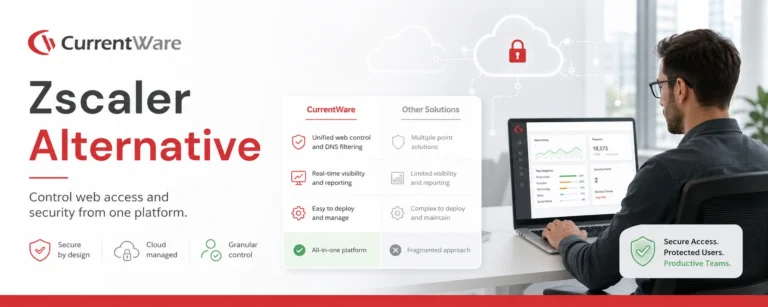
Compare alternatives
Switching From Another Web Filter? See How BrowseControl Compares
Side-by-side breakdowns of BrowseControl against Cisco Umbrella, Zscaler, WebTitan, and other filtering and monitoring tools, covering features, deployment, and pricing.
-
Product Comparisons
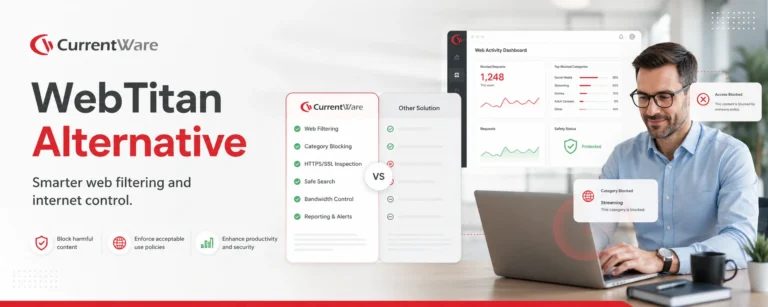
WebTitan Alternatives
-
Product Comparisons
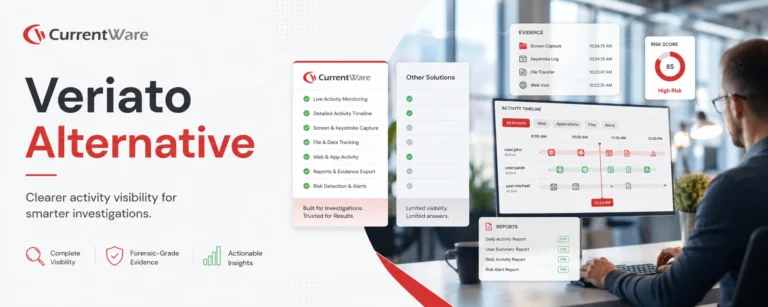
Veriato Alternatives
-
Product Comparisons
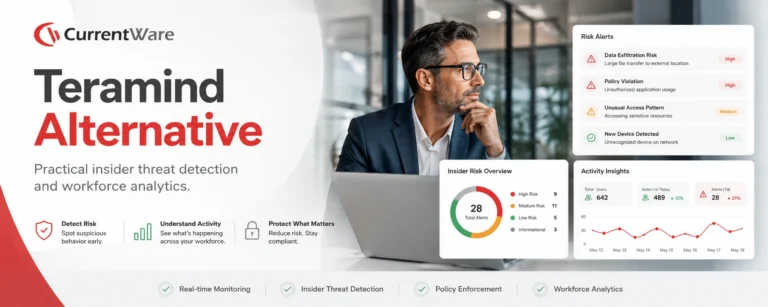
Teramind Alternatives
-
Product Comparisons
SafeConsole Alternative
-
Product Comparisons
ManageEngine Alternative
-
Product Comparisons
InterGuard Alternative
-
Central Web Console
Insightful Alternatives
Trusted by teams across the United States, Canada & the United Kingdom
Join 100,000+ professionals across 55 countries.












What customers say about CurrentWare
4.7
/ 5
90% of reviewers would recommend BrowseControl (average likelihood to recommend: 9 out of 10).
Solutions That Work Across Industries
Tailored controls that help you meet industry standards, boost efficiency, and protect sensitive data across remote and in-office teams.
Healthcare
HIPAA-ready controls to protect PHI with USB management and insider-threat visibility.
Government
Cybersecurity and policy enforcement aligned to NIST 800-171 and CMMC.
Legal Services
Keep client data protected, billable hours productive, and software costs in check.
Manufacturing
Productivity monitoring and internet visibility for both the shop floor and back office.
Financial Services
Enforce access policies and protect sensitive financial data with audit-ready trails.
Schools & Libraries
CIPA-compliant web filtering to qualify for E-Rate and keep students safe online.
Small Business Employee Productivity
Track unproductive web browsing and idle time to detect time-wasting
Built to Support Your Compliance Program
Discover how organizations use CurrentWare’s employee monitoring software to improve visibility, strengthen compliance efforts, and manage employee activity more effectively.
-
CMMC Compliance →

CMMC
Endpoint Restriction to Protect CUI & FCI
-
NIST 800-171 Compliance →
NIST 800-171/53
Protect Controlled Unclassified Information
-
ISO 27001 Compliance →

ISO 27001
Increase the Maturity of Your ISO27K ISMS
-
HIPAA Compliance →

HIPAA
HIPAA protects sensitive patient data
-
Cyber Essentials Compliance →

Cyber Essentials
Critical Security Controls For Your Assessment
-
GDPR Compliance →

GDPR
EU’s data protection and privacy law
-
NERC CIP Compliance →

NERC CIP
Protect TCAs & BCSI From Insider Threats
-
CIPA Compliance for Education →

CIPA for Education
Qualify for the FCC’s E-Rate Program
Pick & Plug Into Your Existing Stack
CurrentWare works alongside the identity, security, and directory tools you already use, including support for SAML, OIDC, and CEF standards. Cloud connectors are on the way.
- Tested & supported
- Generic standards (SAML, OIDC, CEF)
- On the roadmap (Cloud)





Keep reading
Articles
-
Web Filtering & Internet Control
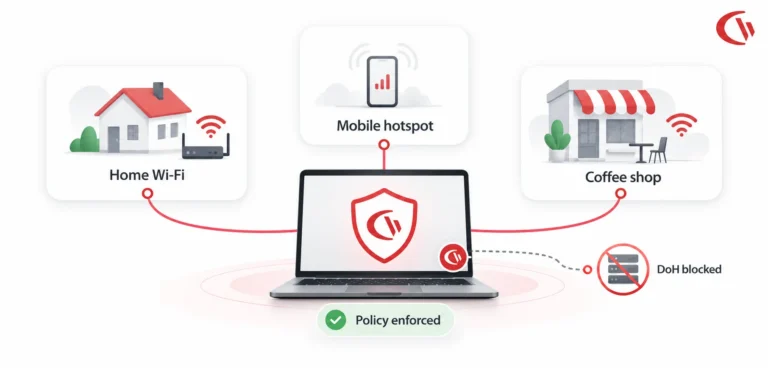
Web Filtering Remote Hybrid Workforces
Today, laptops are rarely connected to the corporate network – more often they're connected to wifi at home, mobile wifi…
-
Web Filtering & Internet Control
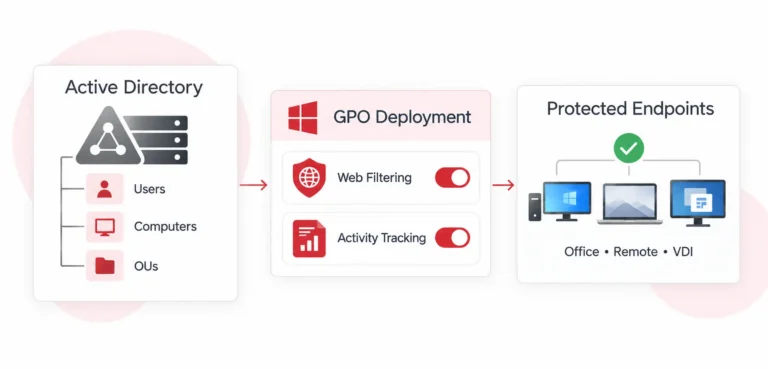
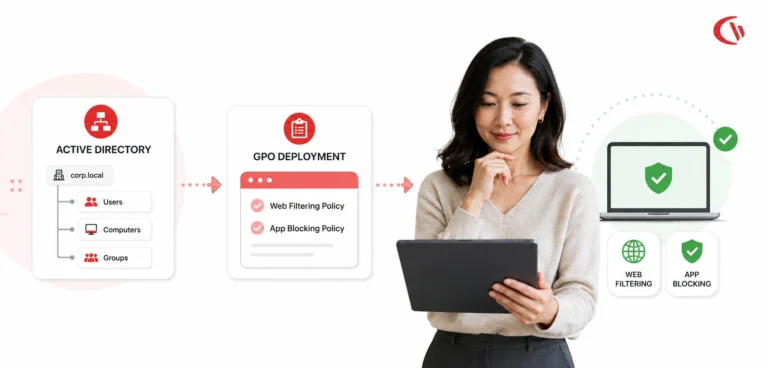
Active Directory Web Filtering and User Activity Tracking
Active Directory Web Filtering & User Activity Tracking: Complete GPO Setup Guide Strong endpoint security, compliance, and greater employee productivity…
-
Web Filtering & Internet Control
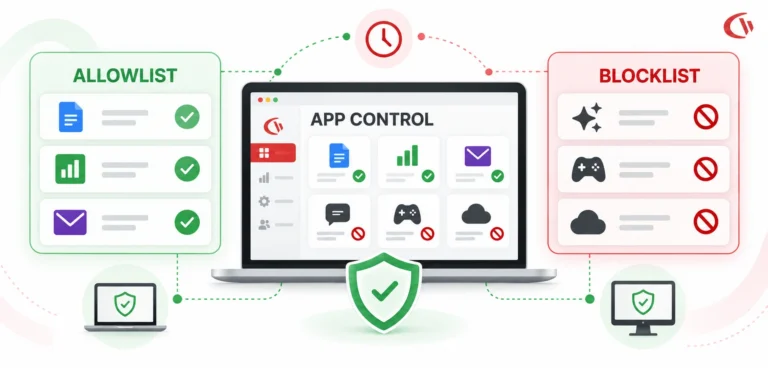
Application Blocking for Employees
What if the greatest security threat is not a virus, but an application an employee has been given permission to…
-
Employee Monitoring
Best Web Filtering Application Blocking Software
The control of web access and the execution of applications are fundamental components of cybersecurity, data loss prevention (DLP), and…
-
Web Filtering & Internet Control
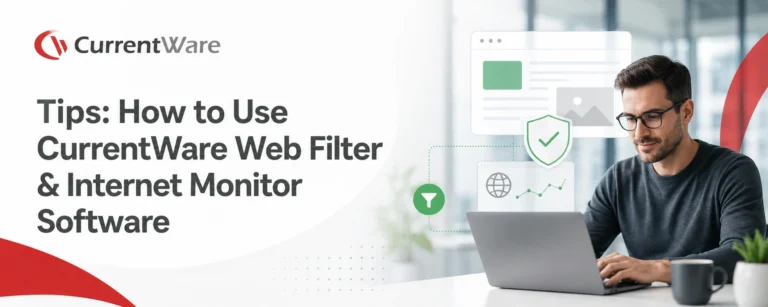
Tips How to Use CurrentWare Web Filter Internet Monitor Software
Use the Allowed list with Internet OFF to limit your user’s Internet access to a handful of websites only. Set…
-
Web Filtering & Internet Control
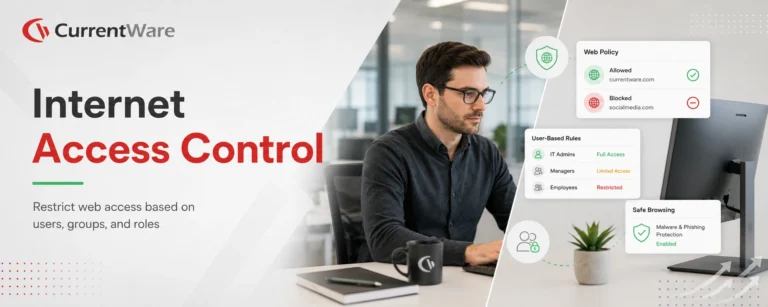
Internet Access Control
Would you like to learn how to control internet access based on users? This article will provide a quick and…



Try BrowseReporter for Free
Fully functional. Easy to use. $12 USD user/month*. For on-prem pricing, contact Sales